Start selling physical items online
Updated 30 Aug 2026
You already sell from a stall, Instagram, or WhatsApp. The messy part is writing every order by hand and hoping the address is right.
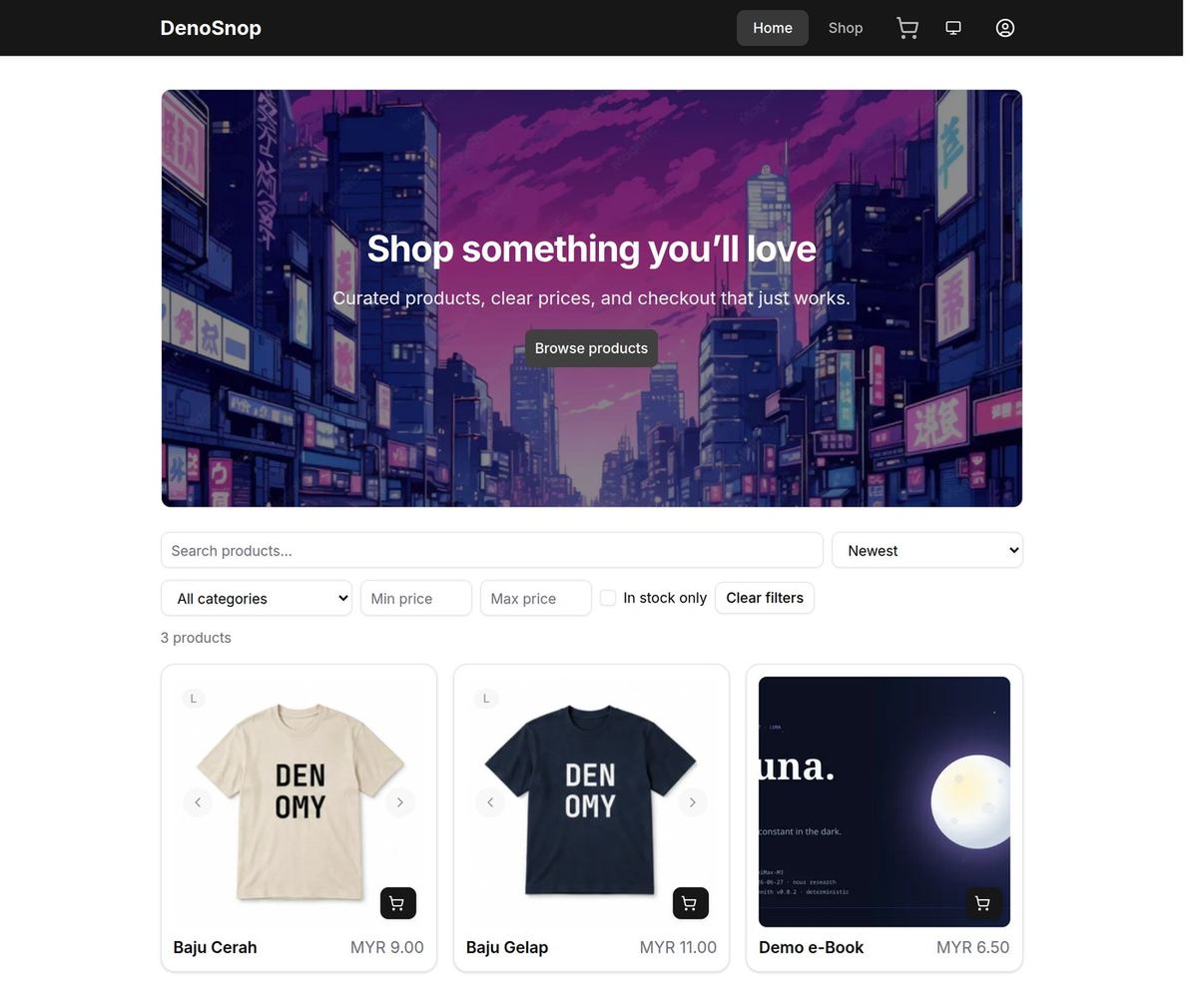
DenoShop gives you a real catalogue and checkout. The customer picks the item, pays on your page, and you pack from Admin. Same shop whether they collect at your door or you ship West Malaysia.
Who this is for
Apparel, snacks, handmade goods, printed merch — anything that leaves your hands in a bag or box. You may already take bank transfer. You want one place for stock, price, and the packing list.
What DenoShop does here
- Products with variants, price, stock, and a ship-from location.
- Checkout with pickup, flat rate, or a connected courier — when you add a rate.
- Orders in Admin with what to pack and where it goes.
- Malaysian payment methods, including manual bank transfer.
How to set it up
- Have a shop. If you need one, create a shop. New shops include sample products so you can click around.
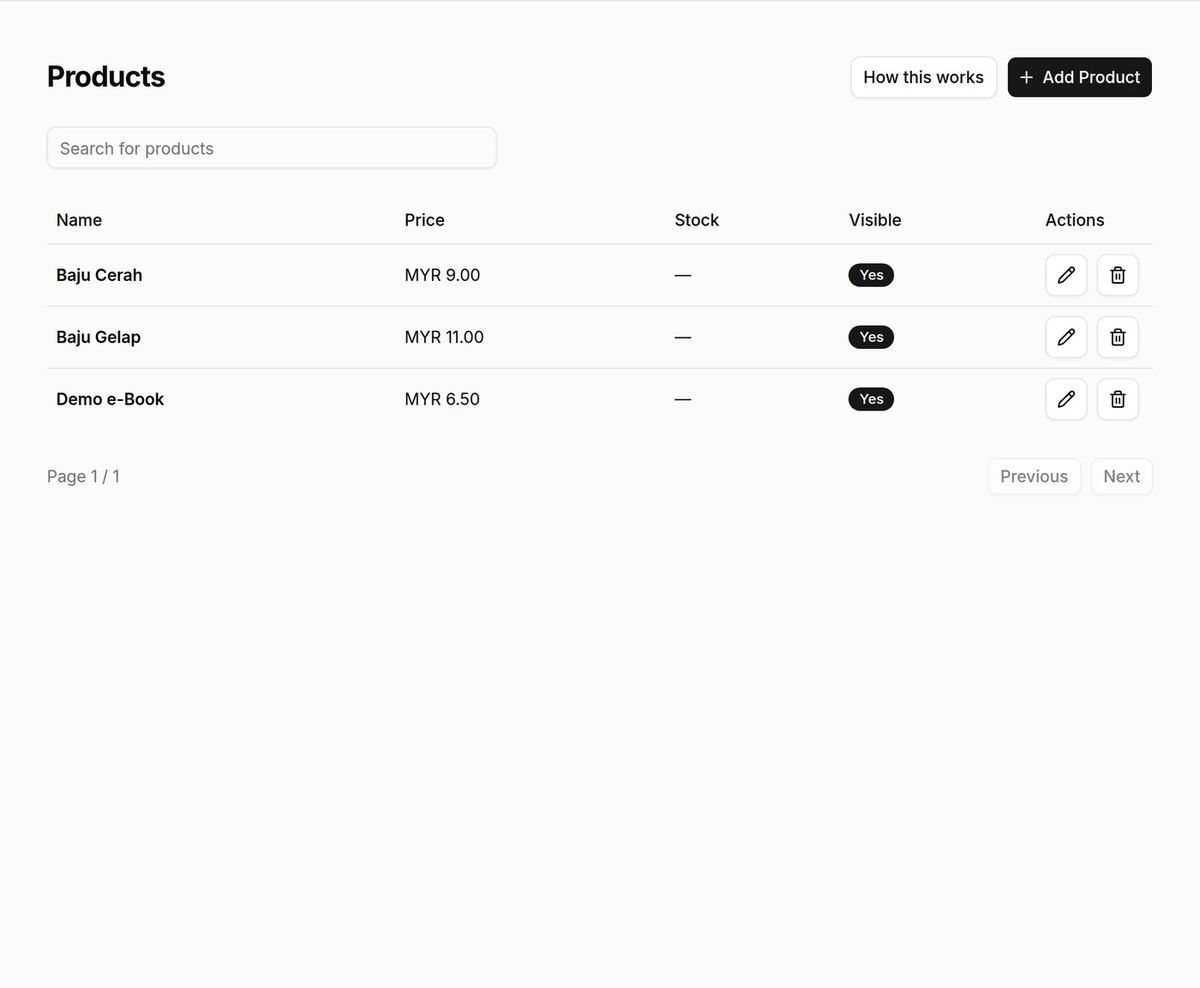
- Replace the samples with your goods. Open Admin → Catalogue → Products. Edit or add a product. On each variant, leave Virtual item and Downloadable off. Set price, stock, weight if you need it, and the location you pack from. Save.
- Confirm your packing address. Open Admin → Settings → Locations. Put the real address and map pin. Save.
- Add how they receive it. Open Admin → Settings → Shipping. You need a method and a rate for that location and zone — a toggle alone is not enough. Flat rate for West Malaysia is fine to start. Self-pickup needs a Self-pickup method plus a rate (often free).
- Turn on payment and place a test order. Under Admin → Settings → Payment, keep a method active. Buy your own product. Confirm shipping appears and the order lands in Admin.
Virtual item is not self-pickup. Virtual skips shipping for digital or service lines. Pickup is a shipping method with a rate at your location.
What your customer sees
They open your shop, choose a size or option, check out, and pick delivery or pickup when you offer both. After they pay (or you mark a transfer paid), you fulfill from Admin → Orders.
When you grow
Add another location, connect a courier for live quotes, or turn on WhatsApp handoff so unpaid bank-transfer buyers continue in chat. Related: Let customers pick up at your shop, Keep the order on WhatsApp after checkout, and the map under Guides.