Go from the sample shop to a live one
Updated 30 Aug 2026
The sample shop is for clicking around. Real customers should see your goods, your bank details, and a public page — not demo shirts and a password gate you forgot was on.
Work through Onboarding or the checklist yourself: products, location, shipping, payment, theme, then Storefront password off when you are ready to share.
Who this is for
New shops leaving sample mode, and existing shops that still have a password or placeholder catalogue.
What DenoShop does here
- Sample catalogue and rates so you can learn the Admin.
- Onboarding steps under Admin → Onboarding.
- Storefront password under Settings → Storefront (Save required).
- Your-shop.deno.my link ready to share when the gate is off.
How to go live
- Replace sample products. Admin → Catalogue → Products. Your photos, prices, and stock. Remove what you do not sell.
- Put your business on the paperwork. Admin → Settings → General. Shop name and business details for invoices.
- Confirm location, shipping, and payment. Real address. At least one shipping rate. At least one active payment method with clear instructions if manual.
- Publish your look. Admin → Theme. Logo and colours. Publish theme.
- Open the storefront. Admin → Settings → Storefront. If Enable storefront password is on, turn it off and Save. Admin login does not unlock the password page for shoppers.
- Place one full test order as a customer, then share
your-shop.deno.my.
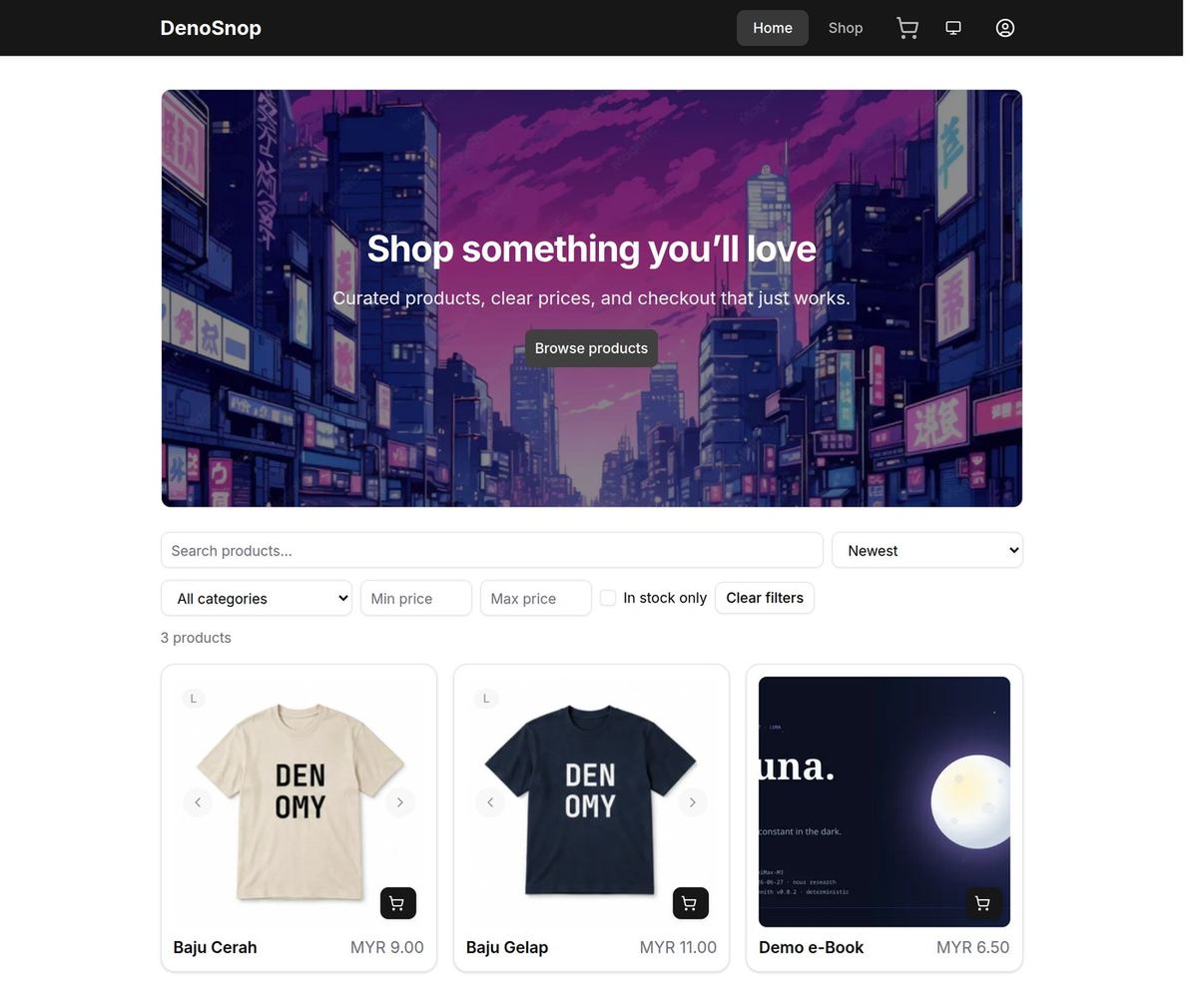
Sample products and rates are for learning — not a promise they are ready for real sales. Review every line before you post the link.
Already have a shop?
Skim the same checklist when you change address, payment, or theme. Related: Make the shop look like your brand, Use your own domain, and Guides.