Use your own domain
Updated 30 Aug 2026
You own a domain. Buyers should type that — not only the DenoShop subdomain.
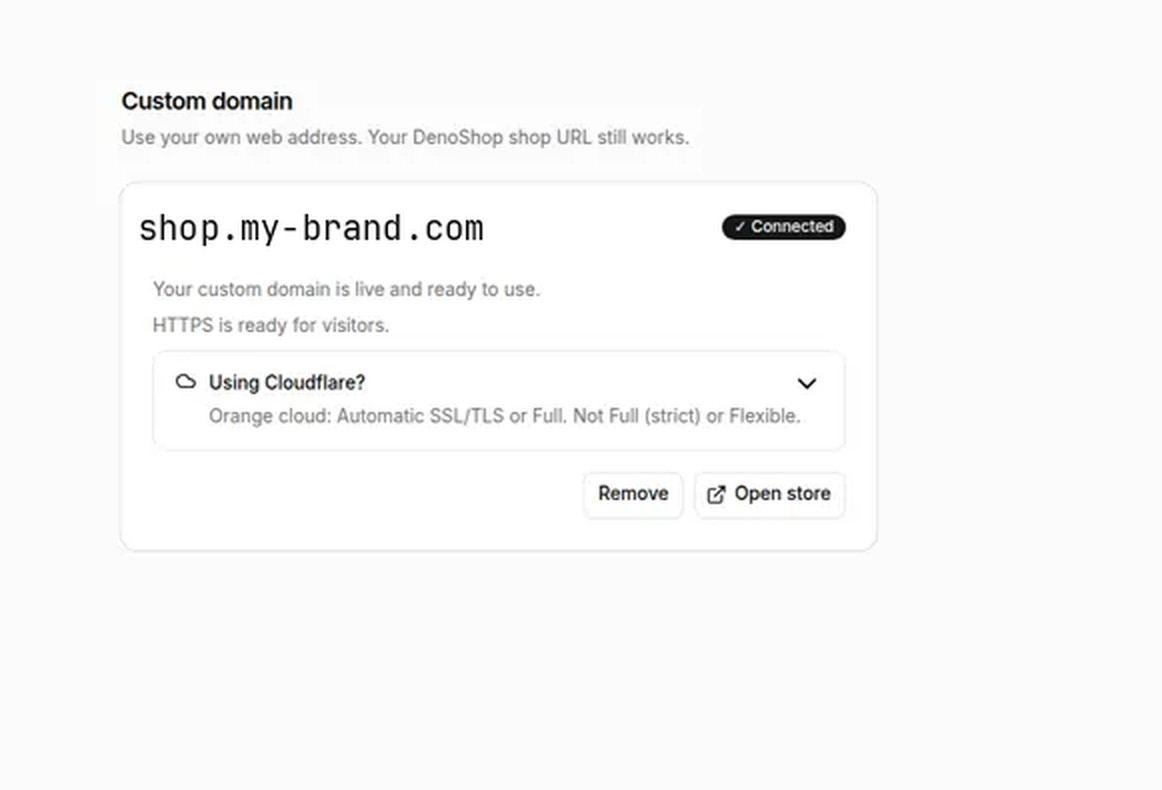
Under Settings → Domains you enter the hostname, save, add the DNS records shown, and Verify DNS. When status is Connected, HTTPS is ready. The platform URL still works.
Who this is for
Shops with a brand domain ready (or a subdomain like shop.yourbrand.my). One custom domain per shop.
What DenoShop does here
- Hostname save and DNS instructions in Admin.
- Verify DNS → Connected with HTTPS for visitors.
- Platform URL remains available.
How to set it up
- Open Custom domain. Admin → Settings → Domains.
- Enter the hostname only (no https://). Save.
- Add DNS at your registrar. CNAME for a subdomain, or A/AAAA for an apex, as the page shows.
- Verify DNS and wait until status is Connected.
- If you use Cloudflare, orange cloud is fine with Encryption set to Automatic SSL/TLS or Full — not Flexible or Full (strict). Gray DNS-only also works.
You do not abandon your DenoShop URL. Remove the custom domain in Admin if you need to point a different hostname later.
What your customer sees
Your brand address in the browser. Same shop, cart, and checkout.
Related: Go live checklist and brand look.