Connect ads so you see what sold
Updated 30 Aug 2026
You already run ads. You need the shop to tell Meta or Google when someone views, carts, and actually pays — without pasting scripts by hand.
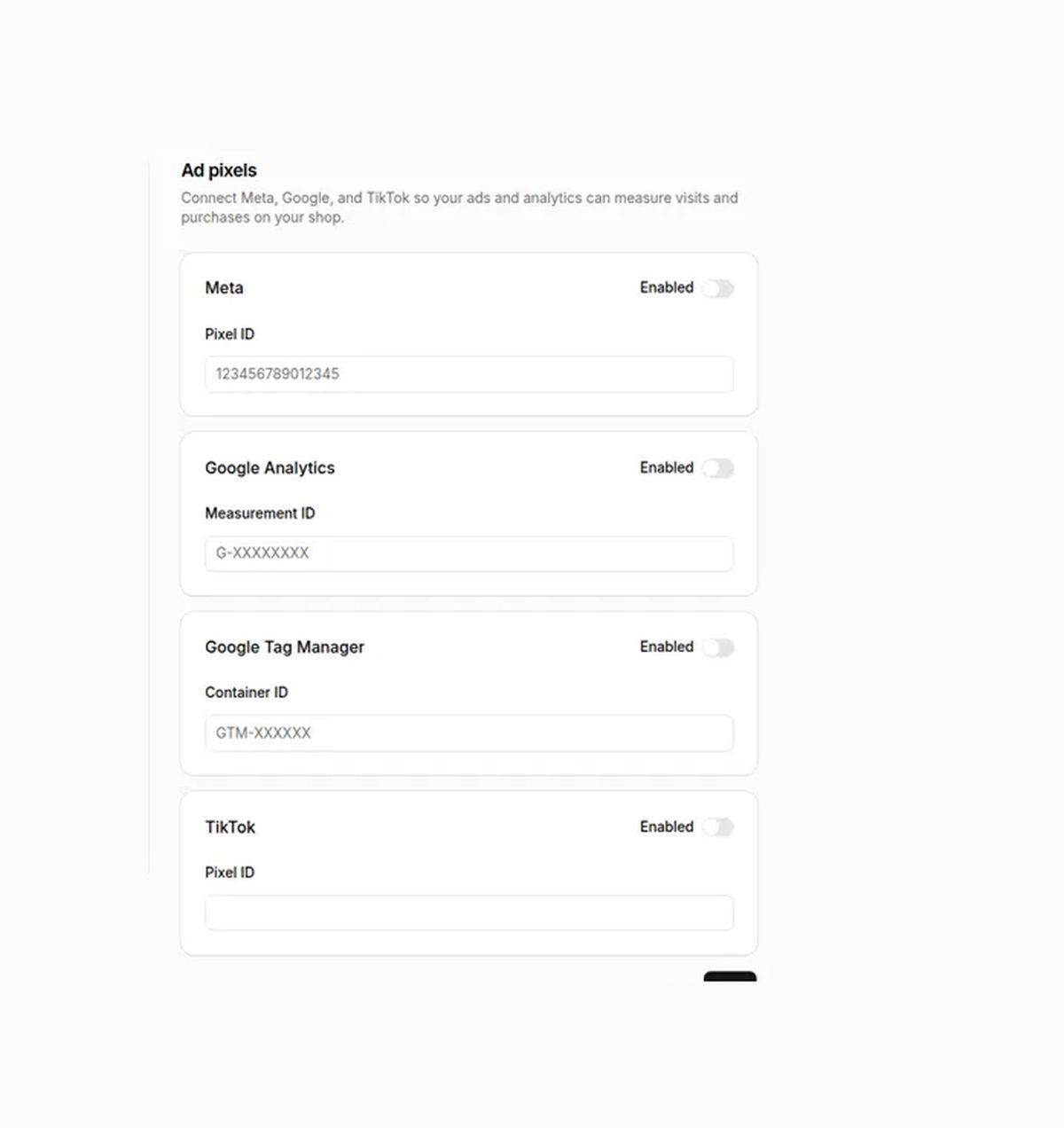
Admin → Settings → Ad pixels holds Meta Pixel, GA4, GTM, and TikTok IDs. Enable each platform you use and Save. Events include purchase after the order is paid.
Who this is for
Shops spending on Meta, Google, or TikTok that want purchase and funnel events from DenoShop.
What DenoShop does here
- Browser pixels: Meta, GA4, GTM, TikTok.
- Page, product, add to cart, checkout start, purchase after paid.
- Owner-only Save on this screen.
Server-side Conversions API is not in this setup yet. Browser pixels only.
How to set it up
- Open Ad pixels. Admin → Settings → Ad pixels (not under Integrations).
- Paste IDs and enable. Meta Pixel ID, GA4 Measurement ID (G-…), GTM (GTM-…), TikTok Pixel ID as needed. Turn Enabled on per platform. Save.
- Verify on the public shop. Password-locked storefronts and Theme preview do not stand in for live traffic. Use Pixel Helper or Tag Assistant on the real URL after go-live.
If Meta and GTM both fire Meta tags, you can double-count. Pick one path for Meta or filter carefully.
What your ads tools see
Standard browser events from the storefront, including purchase when payment status is paid (including free paid totals of zero).
Related: Go live so the shop is public when you verify.