
Take a return without a spreadsheet
Updated 30 Aug 2026
Something comes back. You still want the request, the decision, and the credit in one place — not a chat scroll and a notebook.
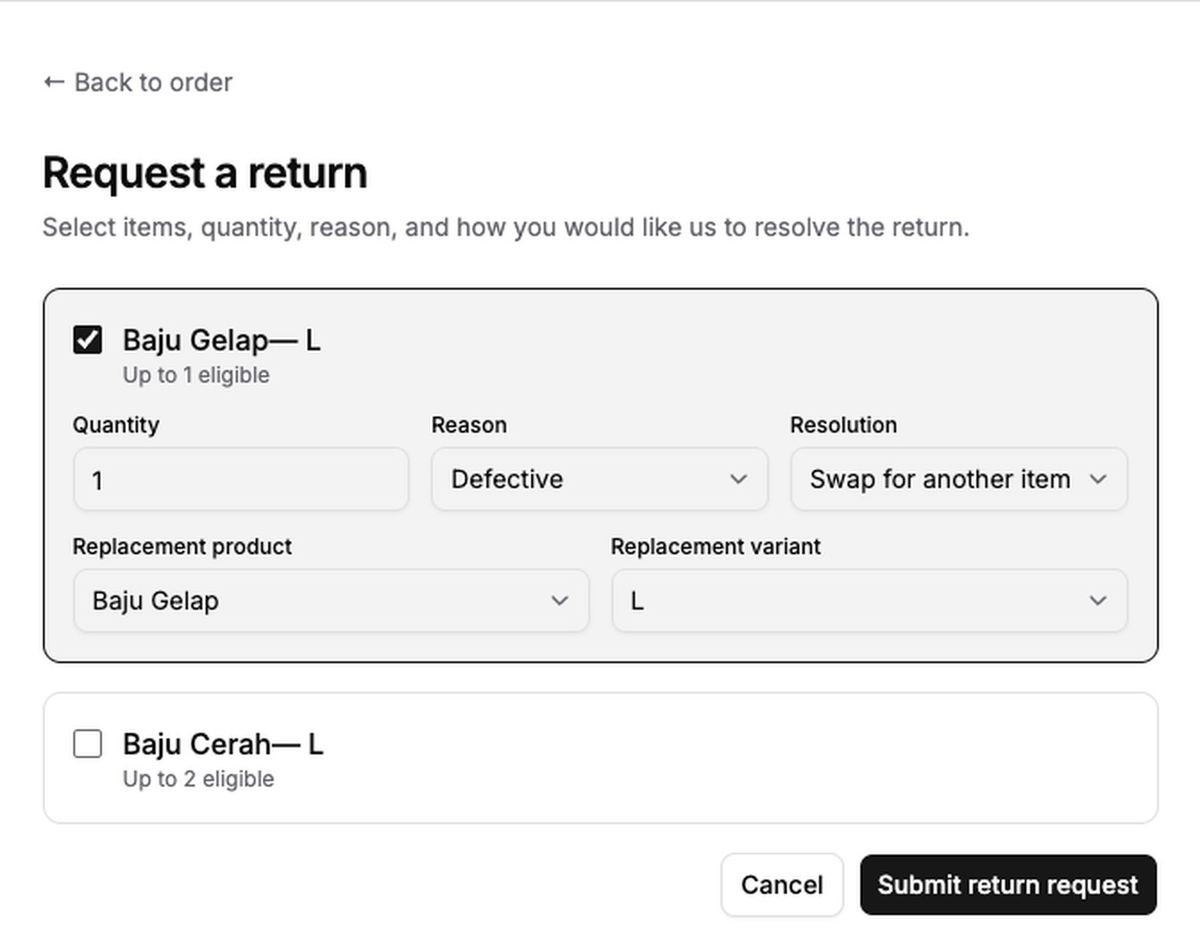
DenoShop returns let the customer request from a delivered order inside your window. You choose refund, store credit, or exchange in policy, then work the return in Admin. Store credit spending is a separate setting.
Who this is for
Shops that already accept exchanges or refunds and want the paper trail on the order. Virtual and downloadable lines are not the return path here — cancel or handle those differently.
What DenoShop does here
- Returns policy: window after delivery, outcomes, fees, label mode.
- Admin → Returns to approve and track.
- Store credit grants and Allow customers to spend store credit.
How to set it up
- Have a shop. If you need one, create a shop.
- Open Returns settings. Admin → Settings → Returns.
- Enable and configure. Set the window (days after delivery), allowed outcomes (manual refund, store credit, exchange), fees if any, and when credit issues. Save.
- If you offer store credit to spend. Admin → Settings → Store credit → allow spending → Save. Balances stay even if spending is off later.
- Work requests under Admin → Returns. Approve, receive, refund, or credit from there.
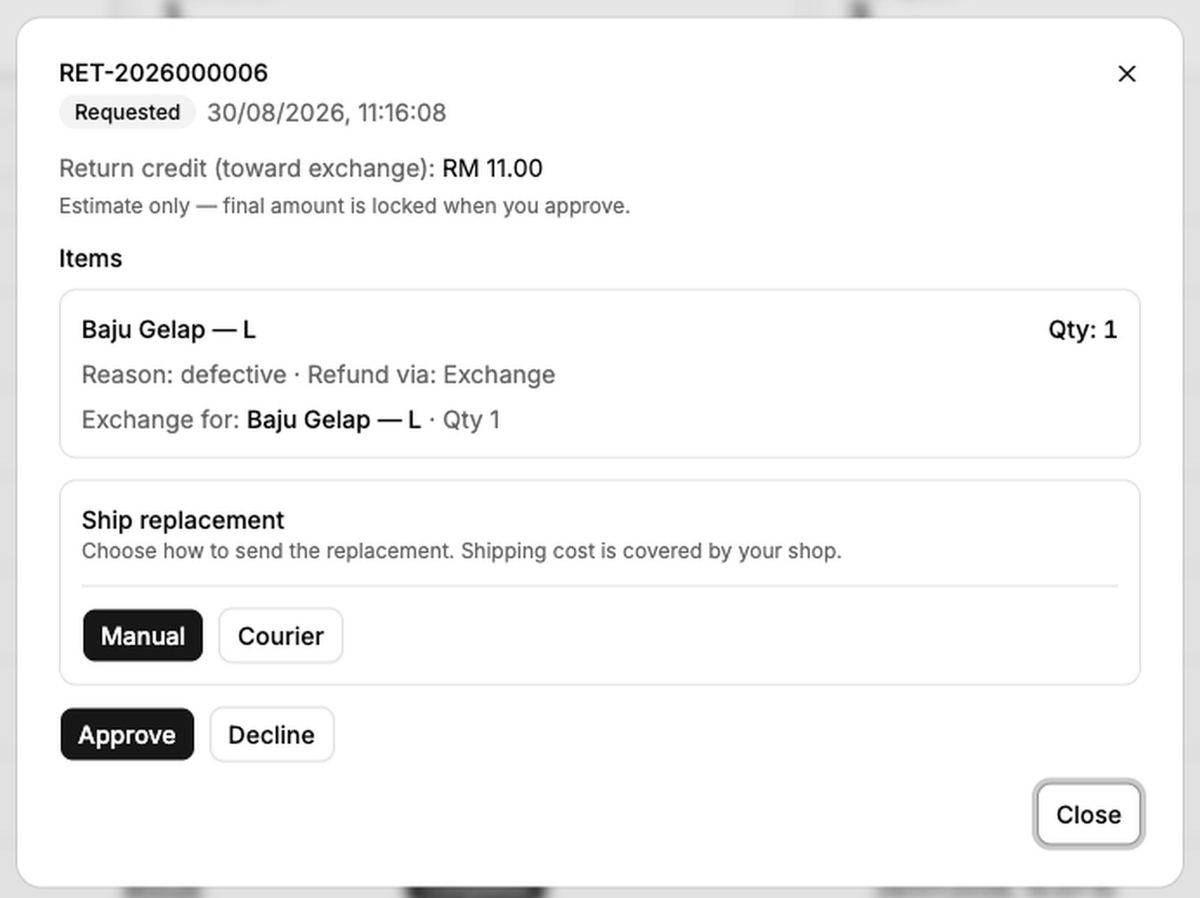
Returns are for delivered shippable lines inside your window. Unshipped orders are a cancel, not a return. Enabling returns does not by itself let customers spend credit — that is the Store credit setting.
What your customer sees
After delivery, within the window, they can request a return from the order. Options follow what you enabled. They must be signed in to use store credit.